

Imagine arriving home with shopping bags in both hands, only to find that your door will not respond. The keypad stays dark, the fingerprint sensor does nothing, and your phone cannot connect. For homeowners who rely on electronic access, a dead battery can be an unpleasant surprise.
The good news is that a flat battery does not always mean you are locked out for good. Many modern locks include an emergency entry method, but options differ between models.
A smart lock relies on electrical power to operate its electronic features. When the batteries are depleted, the keypad, touchscreen, fingerprint reader, motor and wireless connection may stop working. You may be unable to enter a code, use an app, or unlock the door with a biometric scan.
The exact result depends on the design. In many models, the bolt or latch stays in its last mechanical position. If the door was locked, it will usually remain locked rather than automatically opening when power disappears. A drained battery should not be mistaken for a system that releases the door.
Some locks give warnings beforehand. You might hear a voice prompt, see a flashing indicator, or receive an app notification.
Manufacturers use different backup arrangements, and not every lock includes every option. Check your product specifications rather than assuming your model works like another one.
Common emergency access methods include:
If your lock has an emergency charging port, check which cable and power source it supports. Practise the process once, in daylight, so you can find the port or keyhole quickly if an alert is missed and the lock loses power without warning. Never force a connector into the wrong opening or try improvised wiring. If no backup method works, contact the manufacturer, installer, or a qualified locksmith instead of damaging the door.
Keep emergency instructions somewhere all household members can find them.
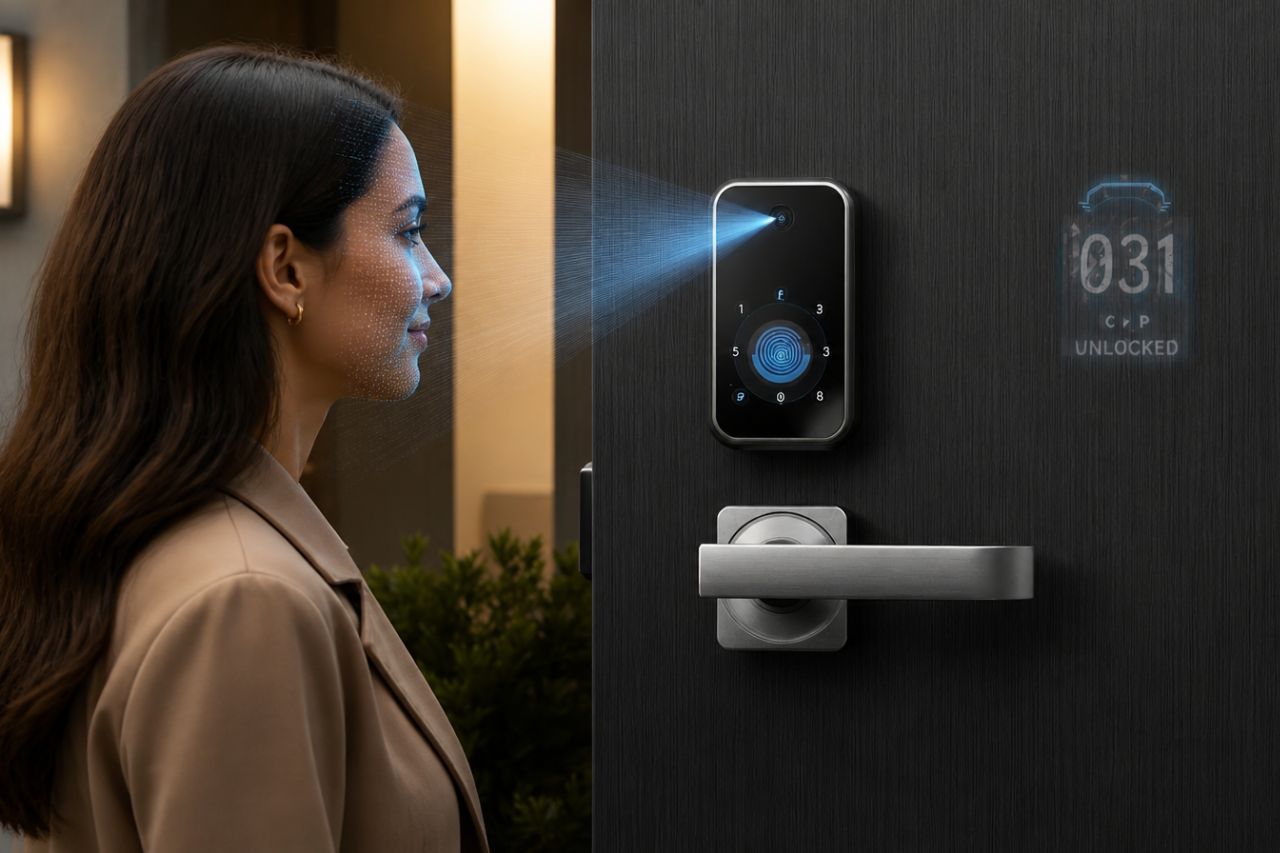
A face recognition smart lock uses a camera and sensors to identify an authorised person. Depending on the model, it may also include a screen, infrared components, Wi-Fi, fingerprint access and keypad entry. These features are convenient, but they still need power.
When the battery is flat, facial scanning will generally stop because the camera and recognition system cannot operate. Other electronic methods may also become unavailable. Having several ways to unlock the door is useful when the battery is healthy, but it does not guarantee that every method will work without power.
Before buying, look for details about emergency charging, backup keys, low-battery alerts and the required battery type. Ask the seller to demonstrate the emergency procedure.
You can often avoid a lockout by responding to early warnings. Watch for these changes:
Do not wait until the lock stops responding. Replace the batteries when the first clear warning appears, and consult the manual if an indicator is unfamiliar.
A little maintenance makes a difference. Use the battery type recommended by the manufacturer. Avoid mixing old and new batteries, or combining different types, because this can affect performance.
Make battery checks part of your home maintenance routine. If your lock has an app that reports battery level, check it occasionally, but do not rely on the app alone. Notifications may be delayed if the lock loses its wireless connection.
Keep the emergency key or a compatible power bank in a secure place you can reach. Tell other household members how to use the backup method.
There is no single lifespan that applies to every digital door lock. Battery life depends on the model, battery capacity, how often the door is used, and which features are enabled. A lock on a busy entrance may use more power than one fitted to a room opened occasionally.
Frequent motor operation, automatic locking, wireless communication and cameras can affect how quickly batteries drain. Temperature and battery quality may matter too. Treat advertised battery life as an estimate, not a guarantee.
Check the manufacturer's guidance for the expected replacement interval and recommended battery type. If batteries repeatedly run down much sooner than expected, ask the installer or manufacturer to inspect the unit. A loose connection, unsuitable batteries or a fault may be responsible.
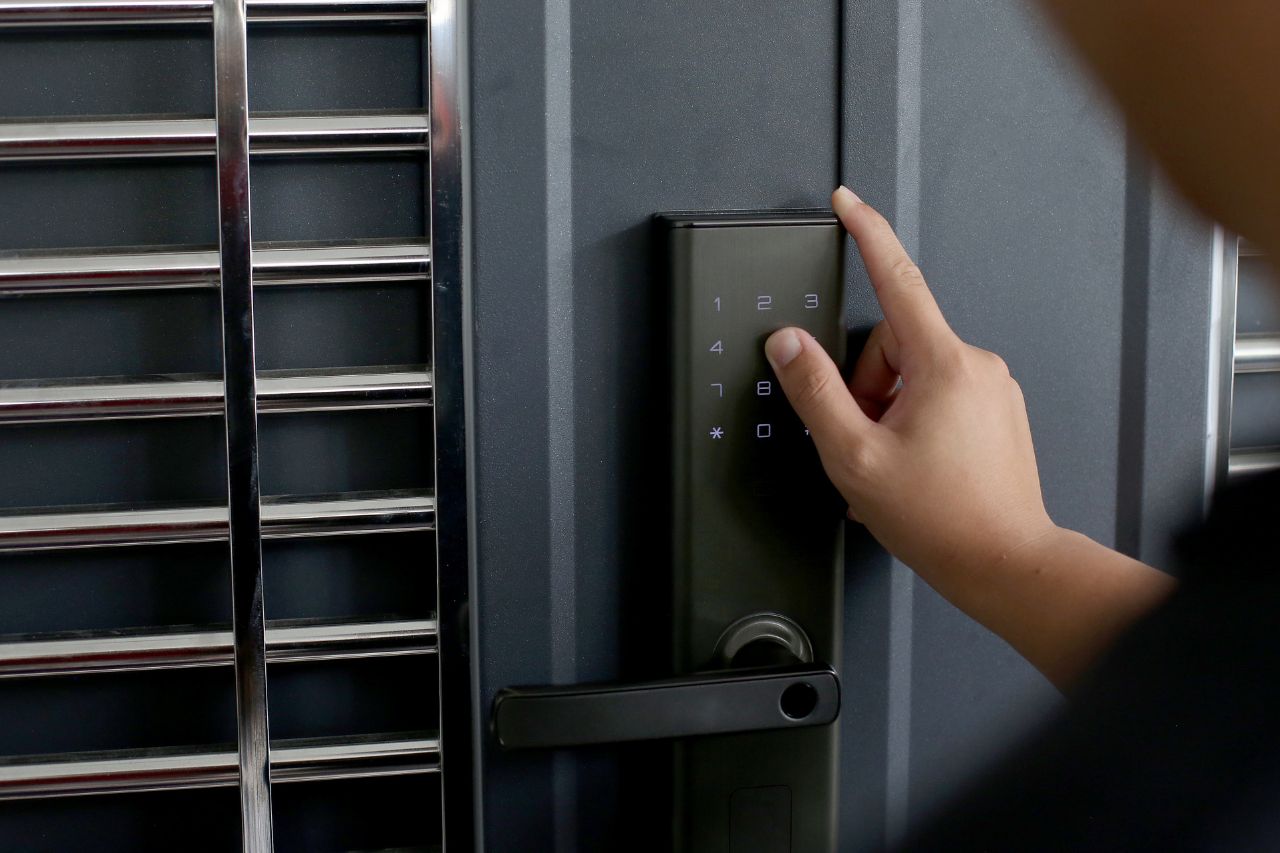
A dead battery alone does not mean the entire lock needs replacing. In most cases, installing fresh batteries is enough. However, recurring problems deserve attention, particularly if the lock drains batteries unusually quickly, disconnects often, or remains unreliable after a fresh set is installed.
Consider an upgrade if the lock lacks a practical emergency power option, no longer suits your household, or has damaged components. Compare the backup arrangements and support offered by different models, not just their appearance or number of features.
If the lock behaves unpredictably, do not leave the entrance unsecured while you investigate. Arrange a professional check and use an appropriate temporary security measure.
A battery failure can interrupt access, but it does not have to become a major problem. Learn how your lock signals low power, replace batteries promptly, and understand its emergency entry method while everything is working normally.
Before choosing a new model, ask how it behaves when power is lost and whether you can still enter using a key or temporary external power. A little preparation helps you enjoy keyless access with fewer surprises.
